
Options and modifiers
Variant options become variants. The name to engrave is a field on the product page and prints on the order; a priced gift box comes from a product options app.
Every option has its placeOur BigCommerce to Shopify migration moves your store - products with their options and modifiers, customers, order history, group prices, reviews, gift card balances and your blog - and redirects every old page so Google keeps finding it. Your team gets Shop Pay, the Shopify App Store and one admin for retail and wholesale. Shopify Select Partner since 2016.

BigCommerce stays live while we build and test. You keep your domain and your email; only where the store runs changes.
How the move runs
Your team gets Shop Pay and the Shopify App Store, on a plan that doesn’t move up with your sales.
Shopify agency pricing
ShipStation, Avalara, Klaviyo and most ERPs connect to Shopify directly; Amazon and eBay listings run through Marketplace Connect.
What replaces your apps















BigCommerce already hosts and updates your store. Stores move for what they get on top of that.
On BigCommerce a new idea often starts with a question: does the reviews, loyalty or subscription tool you liked have a BigCommerce version, and is it as good? On Shopify the App Store is where most of these tools launch first, so marketing picks the tool it wants instead of the one that happens to connect - and far more designers and developers already know Shopify.
A shopper who has used Shop Pay on any Shopify store gets a code by text, and their address and card are already filled in. Shop Pay, Apple Pay, Google Pay and PayPal sit on the same one-page checkout without extra setup.
On BigCommerce the plan moves up automatically once your online sales over the last 12 months pass its limit, and since June 2026 payment providers outside BigCommerce’s own list carry an extra fee on most plans. On Shopify’s Basic, Grow and Advanced plans you choose the plan yourself, and with Shopify Payments there is no extra fee per order.
Four parts of your store. You open each one in a private Shopify store and compare it with your BigCommerce admin before we go further.
Variant options become variants. The name to engrave is a field on the product page and prints on the order; a priced gift box comes from a product options app.
Every option has its place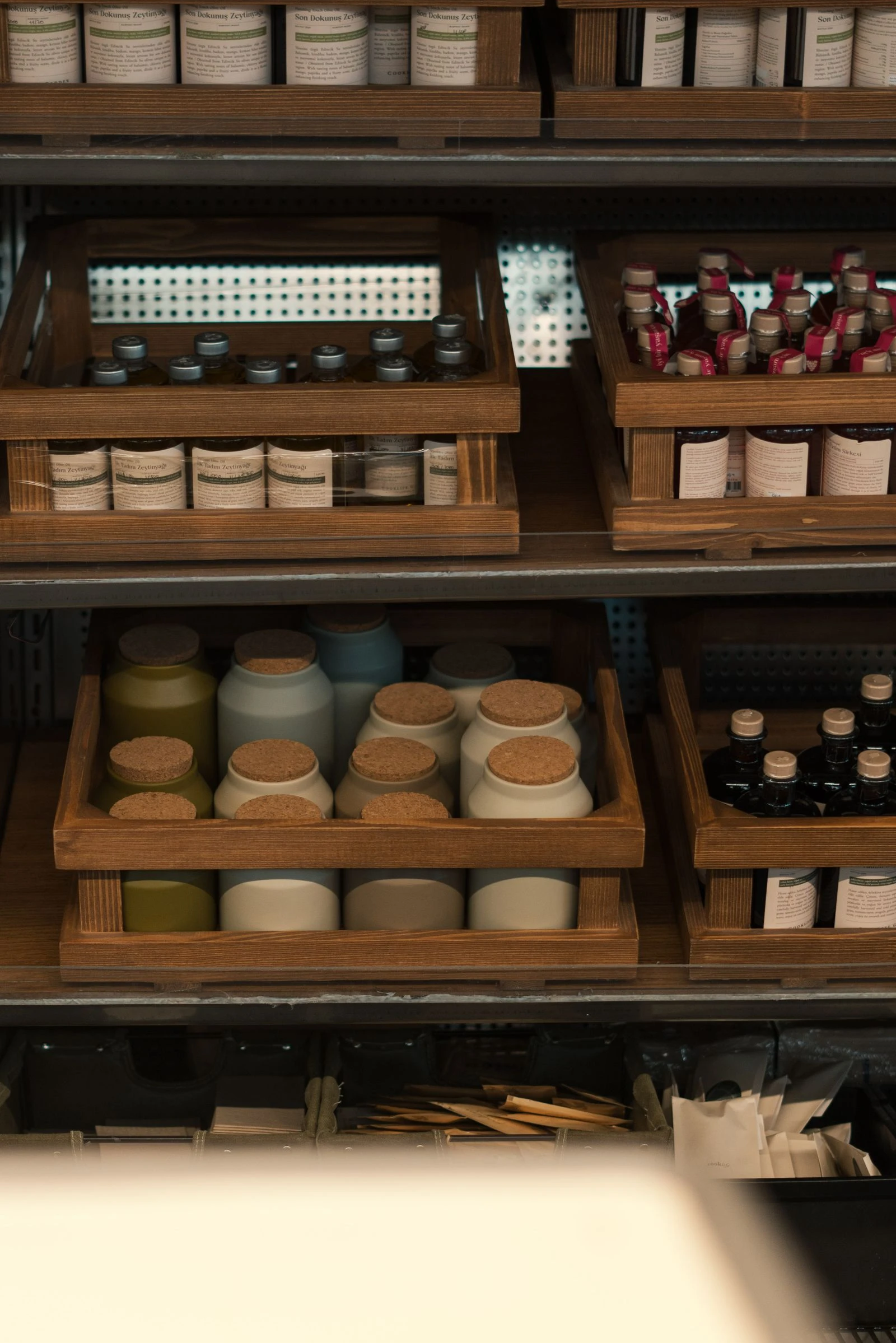
Collections fill themselves by rule and the menu keeps the route shoppers know. Filters come from the free Search & Discovery app.
Collections filled by rule
Customer groups and price lists become company accounts with buyers, locations, a price list, minimum quantities and Net 30 terms.
On every Shopify plan
Blog posts move with the store and every old page is redirected to its new page, so Google keeps finding it.
Redirects on from launch dayWe move all of it - products, categories, customers, order history, group prices, reviews, balances, blog posts. Here is what changes in your team’s daily work once it runs on Shopify.
| Criterion | On Shopify | Today on BigCommerce |
|---|---|---|
| Products with sizes and colours | A T-shirt in 5 sizes and 4 colours is one product with 20 variants - price, stock and photo for each on one screen | Variant options generate SKUs in the Variants table of each product |
| Engraving and add-ons | The name to engrave is a field on the product page and prints on the order; a priced gift box comes from a product options app | Modifiers - a text field, a checkbox or a file upload with a price adjuster - set up on each product |
| Categories and menus | Collections fill themselves by rule - “all mugs under $20”, “everything tagged Sale” - and the menu keeps the route shoppers know, like Homeware → Drinkware → Mugs | A nested category tree; each product is ticked into its categories by hand |
| Filters on category pages | The free Search & Discovery app builds filters from size, colour, price, brand or your own product fields | Product filtering set up in BigCommerce’s settings, depending on your plan |
| Checkout | One-page checkout with Shop Pay, Apple Pay, Google Pay and PayPal built in; returning Shop Pay customers pay in one tap | Returning shoppers type their address and card again unless they pay with a wallet like PayPal or Apple Pay |
| Group prices | Trade prices, member discounts and country prices come from B2B catalogs, discounts for a customer segment or Markets pricing | Customer groups with group discounts and price lists |
| Wholesale accounts and quotes | Company accounts with buyers, locations, a price list, minimum quantities and Net 30 terms; a quote is a draft order the buyer pays online - on every Shopify plan | B2B Edition: company accounts, buyer portal, quotes and sales-rep tools |
| Several storefronts | One store with Shopify Markets for each country’s language, currency and prices; separate brands as separate stores, managed together on Plus | Multi-Storefront channels, each with its own theme and settings |
| Customer sign-in | Customers sign in with a one-time code sent to their email - order history is already there | Email and password, with reset emails when they forget it |
| Plan cost as sales grow | On Basic, Grow and Advanced you choose the plan; it doesn’t move up with your sales | The plan moves up automatically when your online sales over the last 12 months pass its limit |
Send your store address and app list - we reply within 1 business day with what moves as is and what gets easier.
BigCommerce apps don’t move to Shopify - what they do for your store does. Most become a built-in Shopify feature or one app, and you see each replacement in our proposal before we start.
Talk to a migration leadYour BigCommerce checkout becomes Shopify Checkout with Shop Pay. With Shopify Payments there is no extra Shopify fee per order; keeping your current gateway adds one, so we compare both for your volume in the proposal.
Material, care instructions, compatibility and size charts you keep in BigCommerce custom fields become Shopify product fields your team edits in the admin - and filters can be built from them.
Your Stencil theme is rebuilt as a Shopify theme, and Page Builder widgets become sections. Marketing changes banners and landing pages in the theme editor and previews them on mobile before publishing - see our Shopify theme development.
ShipStation, Avalara, Klaviyo, your ERP and your Amazon and eBay listings all connect to Shopify - marketplaces through Shopify’s own Marketplace Connect app. We reconnect each one and match your SKUs and order numbers.
Company accounts, buyers, price lists and payment terms move to Shopify B2B. Quotes become draft orders your reps send for online payment, or a quote app if buyers need to request quotes themselves.
Reviews move to the Shopify reviews app you choose, still attached to the right product. Coupon codes are recreated with the same codes, and gift card balances carry over so customers can spend what they have left.
Where every old BigCommerce page goes, and how customers pick colours, names and extras on Shopify.

Your products, categories and blog posts get new addresses on Shopify, so old links and Google results need to point somewhere. Before launch we take every old page that gets visits or has links from other sites - including filtered category pages that bring traffic - send it to the right new page and test the whole list. Titles, descriptions and image descriptions move with each page. After launch we check Search Console for anything missed with our Shopify SEO services.
Protect my search traffic
Take a personalised mug: the customer picks a colour, types a name to engrave and can add a gift box for $5. On Shopify each colour keeps its own stock, the name field sits on the product page and prints on the order and packing slip, and the gift box is added with its price. We set this up product by product before the move, so your product pages stay as easy to shop as they are today.
Ask about my productsMany BigCommerce stores don’t - even those using B2B Edition. Four answers decide it; we give them in our proposal, with the reasons.
Up to three active wholesale price lists work on Basic, Grow and Advanced. A separate price list for each company, as many B2B Edition stores have, points to Plus.
Storefronts that are the same shop in different countries become one store with Markets on any plan. Separate brands can be separate stores on any plan - Plus includes extra stores and one place to manage them.
Logo, colours, fonts and the thank-you page work on every plan. Extra fields, messages or checks inside checkout need Plus.
Rules covered by Shopify discounts or App Store apps work on any plan. Rules that need your own custom app need Plus.
Standard plans cost from tens to a few hundred dollars a month, and you choose the plan - it doesn’t move up with your sales; Shopify Plus starts at about $2,300 a month. That is why we only recommend Plus when one of the four answers needs it.
More on Shopify B2B and our Shopify Plus agency work.
Six steps. Your BigCommerce store keeps selling until the day we switch.
We look at your products, options and modifiers, customer groups, B2B Edition setup, storefronts, apps, connected systems and Google traffic, and send a free proposal: scope, the right Shopify plan, an estimate. Complex stores start with a short paid discovery.
We copy products, categories, customers, orders, reviews and blog posts into a private Shopify store. You open them there and compare them with your BigCommerce admin before we go further.
Your Stencil theme and Page Builder pages are rebuilt as a Shopify theme. Your team gets the theme editor: banners, sections and pages change without a developer.
Each BigCommerce app gets its replacement. Payments, ShipStation, Avalara, your ERP, Klaviyo and marketplace listings are connected and tested with real test orders.
We copy the orders and customers created since the test move, turn on the redirects and move the domain at a quiet hour. BigCommerce stays available to your team for reference, hidden from shoppers and Google.
We watch Search Console for missed pages, email customers how the new sign-in works, check that orders reach your warehouse and ERP, and fix whatever surfaces in the first two weeks.



Sports, physio and first aid supplies



Ute canopies and 4x4 accessories



Office supplies, Lima and Callao
The price depends less on how many products you have and more on how your store works: options and modifiers, customer groups, B2B Edition, storefronts, connected systems. Our proposal with the estimate is free; complex stores start with a short paid discovery.
One storefront selling to consumers.
3–5 weeks · Basic or Grow plan
Plan my migrationCustomer groups, trade accounts, several countries or connected systems.
6–10 weeks · Grow or Advanced
Plan my migrationB2B Edition, company-specific prices, several brands, custom checkout.
8–12 weeks · Shopify Plus
Plan my migrationShopify plan, paid apps and third-party fees are separate. Send your store details - we reply within 1 business day.
BigCommerce to Shopify migration, answered: cost and timeline, Google rankings, options and modifiers, customer passwords, B2B Edition, apps and integrations, and your payment gateway.
From $3,500 for a single storefront selling to consumers, from $6,900 with wholesale customers, several storefronts or an ERP connection, and from $13,500 for stores moving to Shopify Plus with B2B Edition features or company-specific prices. Our proposal with the estimate is free; for complex stores we first run a short paid discovery to pin down the scope. Your Shopify plan and paid apps are separate.
Usually 3–5 weeks for a single storefront with straightforward products, 6–10 weeks with wholesale, several storefronts or connected systems, and 8–12 weeks for Shopify Plus projects. Copying the data is the quick part - the new theme, the product option setup and the connections set the timeline.
Redirects protect rankings; nobody can honestly guarantee them. We redirect every old product, category, page and blog address that has visits or links - including filtered category pages that bring traffic - carry over titles, descriptions and alt text, and watch Search Console after launch. Your BigCommerce store stays hidden from Google, so it never competes with the new site.
Variant options such as size and colour become Shopify variants: up to three options and 2,048 combinations per product. Modifiers like engraving text or a file upload become fields on the product page that show on the order; priced add-ons like a gift box come from a product options app. We map each product before the import and agree any product with more than three options with you.
No. Passwords can’t be copied out of BigCommerce or any other platform, but Shopify’s customer accounts don’t need one: customers sign in with a one-time code sent to their email, and their order history is already there. We also send a short email explaining the move.
Most of it, natively. Company accounts with several buyers and locations, price lists, minimum quantities and payment terms such as Net 30 work on every Shopify plan; a price list for each company needs Plus. Quotes become draft orders your sales team sends for online payment, or an app if buyers need to request quotes themselves. We list each B2B Edition feature you use and its Shopify setup in the proposal.
Each one gets a replacement or reconnects: ShipStation, Avalara, Klaviyo and most ERPs connect to Shopify directly; Amazon and eBay listings run through Shopify’s Marketplace Connect app; reviews move to the app you choose. You see the full list - app, replacement, what changes - in our proposal before the project starts.
Usually yes, but it is a cost decision. With Shopify Payments there is no extra Shopify fee per order, and Shop Pay, Apple Pay and Google Pay work straight away. Keeping another gateway adds a Shopify fee on those orders. We compare both for your sales volume and countries in the proposal.
Yes. BigCommerce stays live while we build and test. On launch day we copy the latest orders and customers, switch the domain at a quiet hour and keep BigCommerce available to your team for reference. You keep your domain and your email; only where the store runs changes.
MGROUP delivered a well-designed and intuitive website with diverse payment options, which the customers loved. As a result, the company's traffic and sales doubled in record time. The team remarkably collaborated through Slack, Jira, and GitHub. Overall, they were dedicated, flexible, and reliable.

Mgroup was successful in producing Shopify-based websites. The client reported a whopping $500,000 worth of transactions were processed from the site. The team was communicative and responsive throughout the engagement.

Always quick to respond and could easily translate my very poor wireframes into beautiful designs with little direction. I have no doubt I will hire in the future.

The team impressed with their high-quality development skills and the ability to complete all deliverables according to agreed-upon deadlines. While additional communication touchpoints are desired, Mgroup was often able to finish tasks ahead of schedule.

We're very happy with Mgroup's work over the past (nearly) year. The quality of work and speed are exactly what we need and communication is always fast and easy. Recommend!
MGROUP's work has led to a noticeable increase in the client's monthly revenue, an improved conversion rate, and enhanced customer engagement metrics. They deliver milestones on time, are very responsive, and proactively offer solutions.

It was great working with MGROUP - Shopify Development Experts. They understand the job right away and delivered the project in a timely manner without any revisions needed. Would highly recommend and will certainly be working with them again in the future!