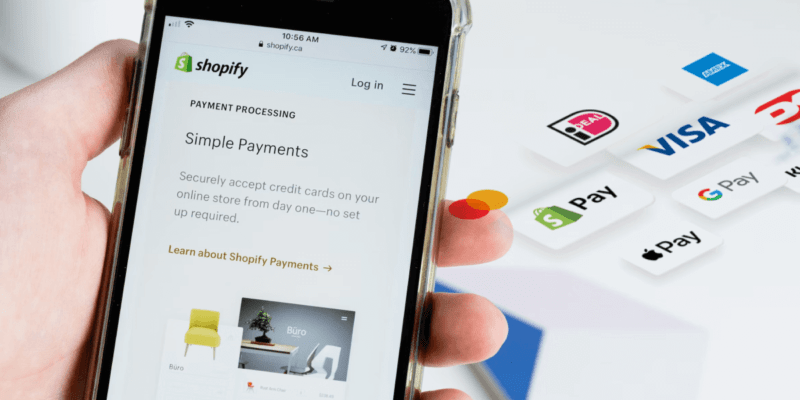

Shopify Payments serves as a trusted payment solution for more than 1.7 million businesses worldwide. The native payment processor launched on August 12, 2013, and has evolved into the default option for Shopify's ecosystem. Today, Shopify supports over 4.61 million online stores globally.
Payment processing options play a vital role in setting up an eСommerce store. Shopify Payments functions as an integrated payment solution that removes the need for third-party providers. The service operates in 23 countries, and US online merchants can expect transaction fees starting at 2.9% + $0.30. Your subscription plan determines these transaction fees, with options ranging from the Basic plan at $29 monthly to Shopify Plus at $2300 monthly.
This piece will help you understand everything about Shopify Payments. You'll learn how it compares to Shop Pay, discover the advantages and disadvantages of each option, and learn the setup process to make the right choice for your business.
Shopify Payments in 2026: What's New
Shopify continues to evolve its payment ecosystem in 2026. Here are the key updates merchants should know about:
- Plan rebranding: The former "Shopify" plan has been renamed to "Grow" across all regions, with the same features and pricing structure retained
- Expanded global reach: Shopify Payments is available in 41 countries and regions listed in Shopify’s help center, including the US, UK, Canada, Australia, Japan, Mexico and most of the EU
- Enhanced fraud protection: Improved machine learning-based fraud detection and expanded Shopify Protect coverage for all eligible Shop Pay orders in the US
- Shop Pay performance: Updated data shows 1.91x better mobile conversion compared to regular checkout, up from previous benchmarks
- Winter '26 Edition: Shopify introduced platform updates including Sidekick Pulse, Product Network integration, and full MCP support for developers building custom payment workflows
- Shopify Plus rates: Plus merchants now benefit from negotiable transaction rates starting from approximately 2.15% + $0.30 for online transactions, offering significant savings at scale
All fees and features in this guide were last reviewed in October 2026.
What is Shopify Payments?
Shopify Payments makes accepting payments easy. This native payment gateway removes the need for third-party providers or merchant accounts. You can manage all payment operations right from your Shopify admin dashboard. Your Shopify store comes ready to accept major payment methods without extra setup.
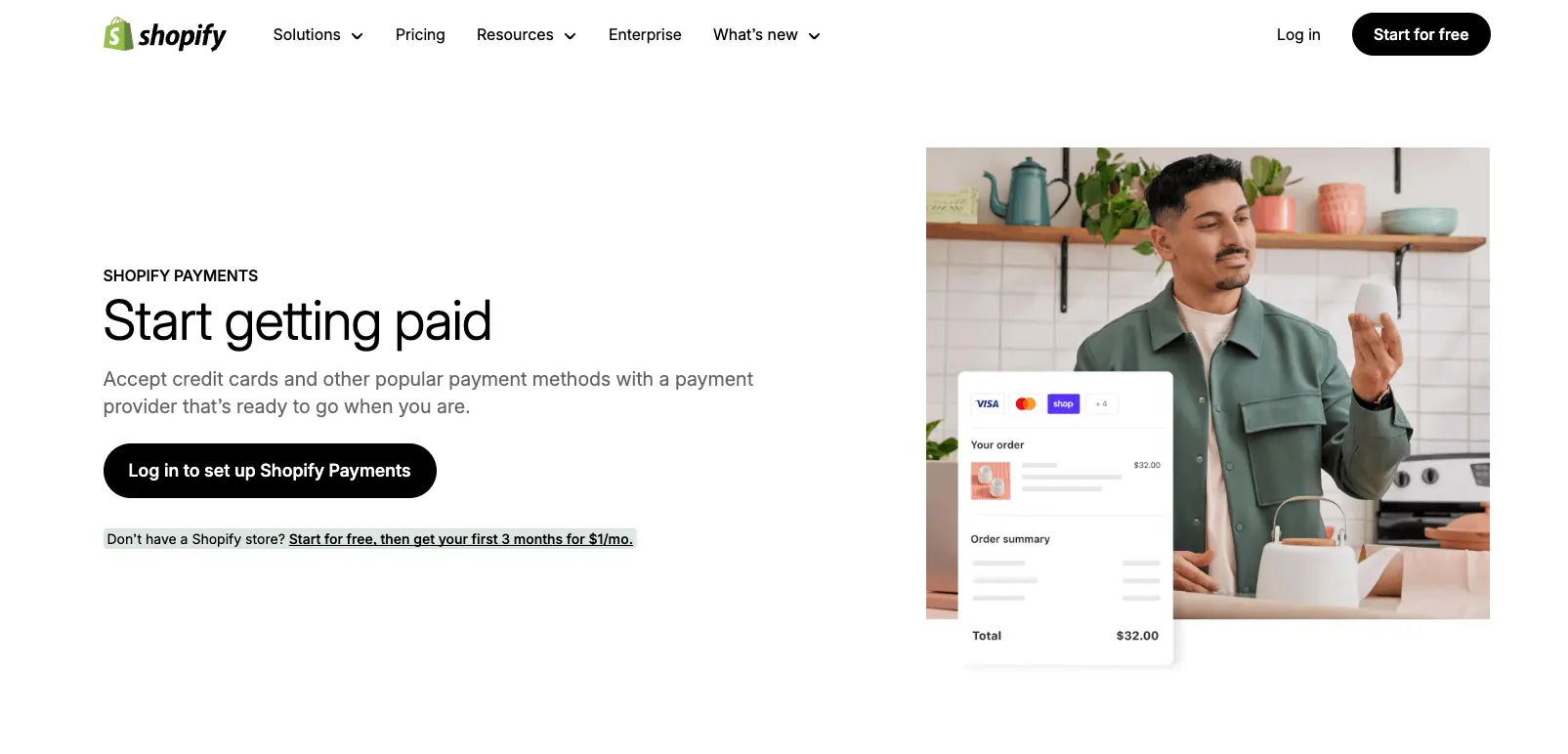
How Shopify Payments works
What is Shopify Payments in technical terms? The payment gateway checks and collects customer payment information before sending it to a processor to complete the transaction. The system was built with Stripe and provides secure, quick transactions.
Customers choose their payment method at checkout. Shopify Payments sends the payment information securely to the financial institution for processing. The funds go to your payout bank account within 2-3 days based on your location.
Shopify Payments keeps your customers' data safe through reliable fraud detection and encryption methods like 3D Secure. The system has two fraud filters—Address Verification System (AVS) and Card Verification Value (CVV)—that spot potentially fraudulent orders.
Supported payment methods
US businesses using Shopify Payments can accept:
- Credit/debit cards: Visa, Mastercard, American Express, Discover, Diner's Club, JCB, and Elo
- Digital wallets: Apple Pay, Google Pay, and Shop Pay
- Accelerated checkout options
- Local payment methods like Bancontact and iDEAL
Shopify Payments works in 23 countries, including the United States, Canada, United Kingdom, Australia, and several European and Asian nations. Merchants in these regions can accept co-branded Cartes Bancaires cards with Visa, Mastercard, or Maestro logos.
Shopify Payments vs third-party gateways
Shopify works with over 100 third-party payment providers, but Shopify Payments has clear benefits. You won't pay Shopify's extra transaction fees that come with external payment gateways. Shopify Payments pros give you quick setup, built-in analytics, and dashboard management.
Shopify Payments cons include limited availability worldwide—you'll need another payment gateway if it's not available in your country. Some third-party solutions might offer more customization options.
Shopify Payments transaction fees vary by subscription plan—from 2.4% + 30¢ to 2.6% + 30¢ per online sale. These rates cover both payment-processing and credit card fees.
Third-party gateways come in three types: hosted (redirect), self-hosted, and non-hosted. Each type connects differently with your store and has its own fee structure. A third-party solution might work better if your business needs specific features that Shopify Payments doesn't have.
You must meet certain Shopify Payments requirements to get started, which might include verifying your personal and business details based on your location.
Understanding Shop Pay and How It Differs
Online shoppers hate complicated checkout processes. Shop Pay revolutionizes this aspect for Shopify stores. This accelerated checkout solution, previously known as Shopify Pay, has become the quickest way to complete online purchases.
What is Shop Pay?
Shop Pay serves as Shopify's express checkout solution that keeps customer data safe, including email addresses, credit card details, and shipping information. Returning customers can complete their purchases with a simple SMS verification code, unlike traditional checkout methods. The system works as a "buy it now" button that customers see while shopping.
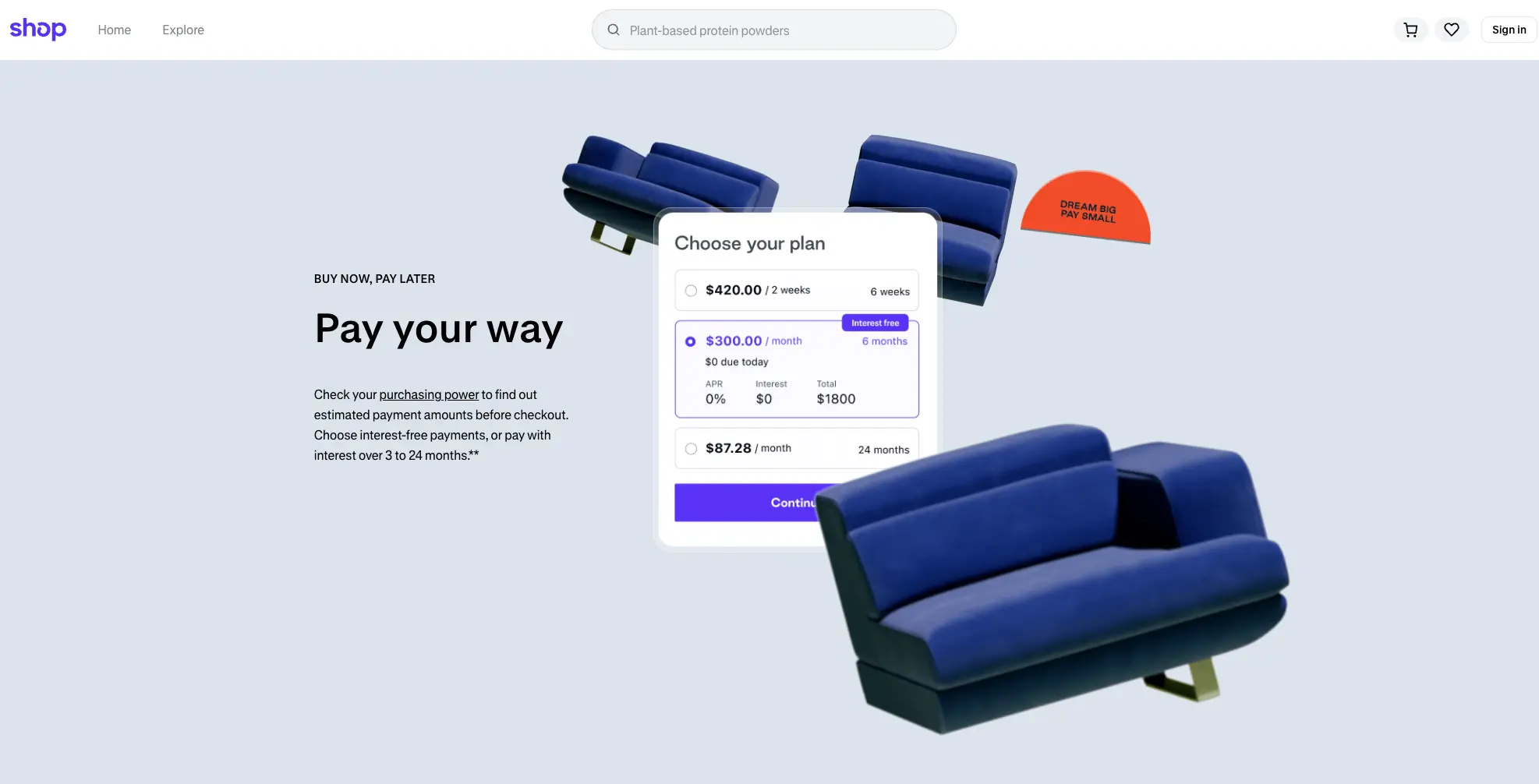
Merchants using Shop Pay see impressive results. Their conversion rates are 1.72x higher than those who don't use it. Mobile users convert almost twice as much compared to standard checkout methods.
Shop Pay vs Shopify Payments
Shop Pay and Shopify Payments each serve unique purposes despite their similar names:
Shopify Payments processes transactions directly as a payment gateway. Merchants can accept payments without third-party processors. Shop Pay, however, works as an accelerated checkout feature alongside existing payment gateways.
The built-in payment solution handles the money transfer like an engine, while Shop Pay guides the process like a steering wheel. A payment processor must support Shop Pay, which works with either Shopify's native payment gateway or third-party processors.
The platform's payment system processes all Shop Pay transactions, even with active third-party payment gateways.
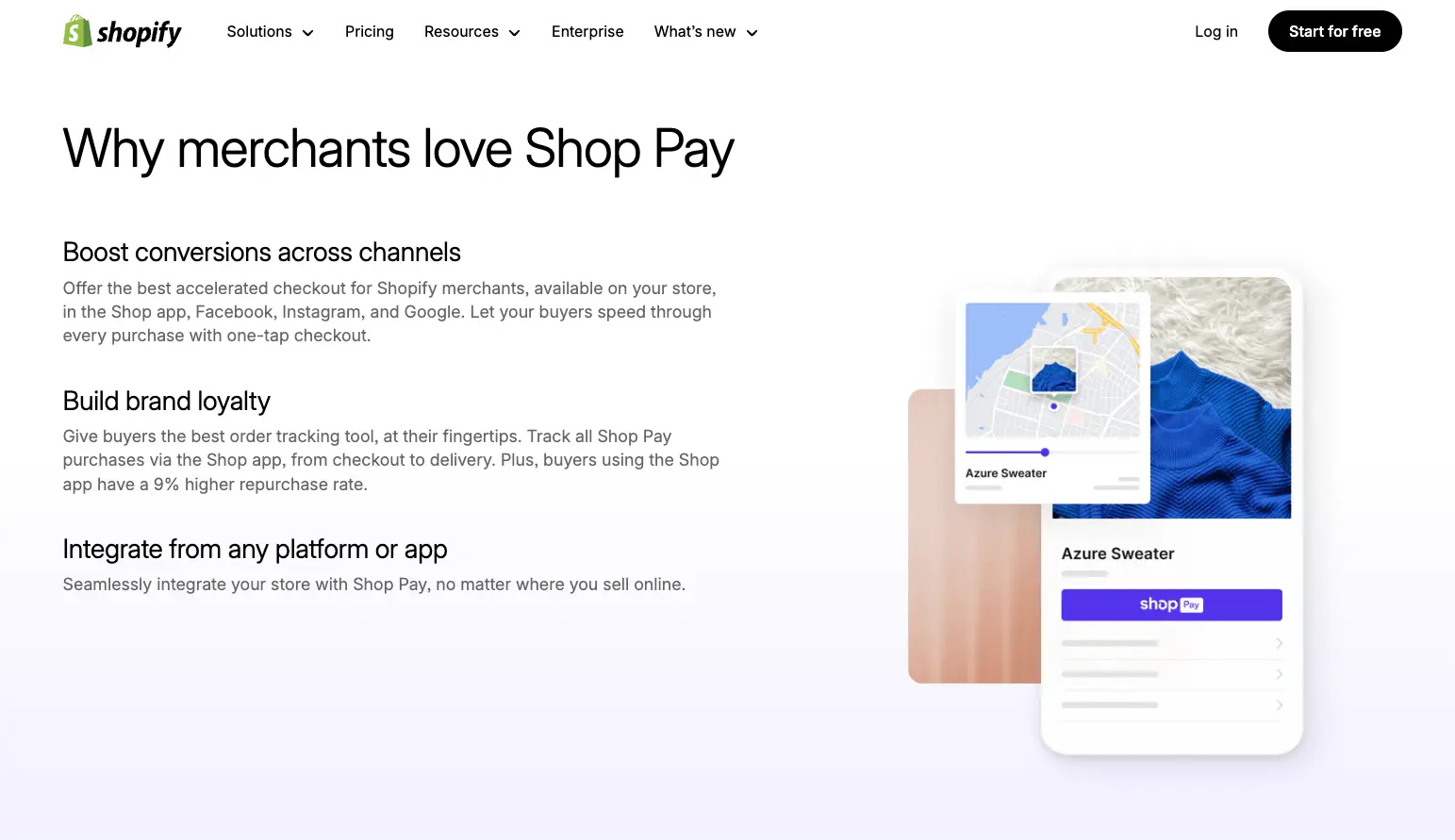
Shop Pay pros
Shop Pay brings significant benefits:
- Checkouts become four times faster
- Guest checkout conversion rates increase by 50%
- Performance beats other quick checkouts by 10%
- Customers can use Shop Pay Installments
- Order tracking through the Shop app
- Supports carbon offset programs
Shop Pay cons
Some limitations exist with Shop Pay:
- US-centric with limited language options
- Installment fees run high (5.9% + $0.30 per transaction)
- Success depends on customer adoption
- Merchant branding options remain limited
- Benefits focus on returning customers
Shopify Payments pros
This payment solution creates the foundation for Shop Pay with several advantages:
- Perfect integration with Shopify
- No extra fees versus third-party processors
- Supports major payment methods
- Built-in fraud protection
- Seamless data sync with Shopify POS
Shopify Payments cons
Merchants should consider these drawbacks:
- Service limited to 23 countries
- Strict product rules apply
- High chargeback fees at $15 each
- Possible account freezes without warning
- Limited multi-platform flexibility
Merchants who set up the integrated gateway automatically get access to Shop Pay. Meeting the Shopify's payment processor requirements unlocks both tools, creating a complete payment system that processes transactions and streamlines customer checkout.
Benefits of Using Shopify Payments
Your store's profitability and customer satisfaction depend on choosing the right payment solution. The payment system gives merchants several advantages to boost sales and run operations smoothly.
Integrated checkout experience
What is the built-in payment solution if not a complete solution that makes transactions easy? The system combines smoothly with inventory, accounting, and customer data. This eliminates manual reconciliation and reduces errors. One of the most important Shopify's native payment gateway pros shows how it gives a complete view of each customer by putting all transaction data in one place for better marketing and support.
Dr. Squatch's success story proves how well integrated payments work. About 38% of their customers now use faster checkout options like Shop Pay. Customers get the same smooth checkout whether they buy online, in-store, or through their phones.
Faster payouts and real-time reporting
The platform's payment system sends money straight to your bank account after each purchase. US merchants usually get their money in 2-5 business days based on store activity. Weekend payments come together in one group to make tracking easier.
Money moves in and out of your company faster than old-school payment methods. This quick cash flow management gives businesses that set up this payment solution a big edge over traditional options.
Fraud protection and security
The integrated gateway takes security seriously. The system follows PCI DSS rules to keep customer payment details safe. Features like payment tokenization and 3D Secure authentication help stop fraud. Shopify's payment processor requirements include tools that spot suspicious transactions right away.
US stores using Shop Pay get Shopify Protect coverage for orders that might be fraudulent. This covers the full order cost and any chargeback fees. Every Shop Pay transaction through The payment system gets this protection at no extra cost.
Multi-currency and global reach
Merchants who set up the built-in payment solution can sell worldwide by turning on international sales tools. Customers see prices in their local currency, which makes buying easier. Shopify's native payment gateway transaction fees apply when converting currency. Shopify uses its exchange rate and adds a conversion fee at payment.
POS and offline sales support
The platform's payment system works naturally with Shopify POS for in-store sales. While Shopify POS needs internet for card payments, you can still handle cash and other payment types offline. Your POS and Shopify admin sync up all sales once you're back online.
The system connects online and in-store sales perfectly. Customers can buy online and pick up in stores. This smooth connection stands out as one of the strongest This payment solution pros for stores with physical locations, unlike the Shop Pay cons mentioned before.
Shopify Payments Fees and Pricing Explained
The cost structure is a vital aspect to understand before you set up the integrated gateway for your store. The pricing model is simple, and knowing the details will help you boost your profits.
Transaction fees by plan
Shopify's payment processor transaction fees change based on your subscription level. For online transactions:
- Basic plan: 2.9% + $0.30 per transaction
- Grow plan: 2.7% + $0.30 per transaction
- Advanced plan: 2.5% + $0.30 per transaction
- Plus plan: Starting from ~2.15% + $0.30 per transaction (negotiable based on volume)
Fees last reviewed in October 2026. Rates shown are for US merchants.
The payment system completely removes third-party transaction fees. You would pay extra fees without it (2% on Basic, 1% on Grow, 0.6% on Advanced, 0.2% on Plus) on top of your payment processor's rates.
In-person vs online rates
The built-in payment solution charges lower rates for in-person payments than online transactions due to reduced risk. Here's the breakdown:
- Basic plan: 2.6% + $0.10 per transaction
- Grow plan: 2.5% + $0.10 per transaction
- Advanced plan: 2.4% + $0.10 per transaction
- Plus plan: Custom in-person rates negotiated based on transaction volume
Card types influence the pricing too. What is its approach to different cards? US transactions fall into Standard (domestic consumer cards like Visa and Mastercard) or Premium (business cards and American Express) categories, each with distinct rates.
BNPL and Shop Pay Installments fees
Shop Pay partners with Affirm to let customers split purchases between $35-$30,000 into smaller payments. But Shop Pay cons include steeper processing fees—merchants pay 5.9% + $0.30 per transaction for installment purchases.
The increased cost comes with Shop Pay pros like higher conversion rates and larger average order values that could make up for the fees.
Avoiding extra fees with Shopify Payments
These points will help you maximize profits with Shopify's native payment gateway:
- You'll find no hidden costs—just credit card rates and subscription fees, without monthly fees, setup costs, or extra charges.
- Currency conversion adds a fee for payments in currencies different from your payout currency—1.5% for US-based stores and 2% for stores elsewhere.
The platform's payment system requirements state you must use it as your primary gateway to avoid transaction fees. Your store will start paying additional fees right away if you switch to another processor after setting up This payment solution.
A good review of these fee structures helps determine if The integrated gateway pros like integrated reporting and simpler management are worth more than potential Shopify's payment processor cons such as country restrictions or strict compliance policies for your business needs.
How to Set Up Shopify Payments
A proper payment gateway setup is essential before your store can process payments. What is the payment system in practice? Let's explore this solution's implementation for your store.
Step-by-step setup process
Set up the built-in payment solution by following these steps:
- Access Settings > Payments from your Shopify admin
- Click "Complete account setup" in the Shopify's native payment gateway section if you're new to payment providers
- Select "Activate the platform's payment system" if you have another provider
- Provide your business details and banking information
- Click "Save" or "Submit for verification"
Shopify Payments requirements
This payment solution requirements include:
- Your account must have two-step authentication enabled
- Your business must operate in a supported country
- Your bank account must accept transfers in supported currencies
- Your products must comply with Shopify's terms
The integrated gateway supports only checking accounts. Savings accounts and flex-currency accounts aren't compatible.
Verification and compliance
You must verify your identity with these documents:
- Government-issued ID (passport or driver's license)
- Business registration documents
- Tax identification numbers
Shopify's payment processor verification typically takes 2-5 business days. Regulatory changes might require additional documentation during your account's lifetime.
Supported countries and currencies
The payment system serves 23 countries, including the United States, Canada, Australia, the United Kingdom, and several European nations.
Want to enhance your payment setup? Mgroup's Shopify experts can help you configure the built-in payment solution, boost checkout conversions, and expand your eCommerce business.
Conclusion
Shopify's native payment gateway is a trailblazing solution that gives merchants an optimized payment processing experience in the Shopify ecosystem. This piece explores its offerings - from its built-in checkout experience to detailed security features that protect you and your customers. The key difference between the platform's payment system and Shop Pay is clear: This payment solution processes transactions while Shop Pay makes checkouts faster.
Your choice of Shopify subscription plan affects transaction fees. This knowledge helps you pick the right level for your business needs. Most store owners find its benefits outweigh its limitations like restricted global reach and strict compliance rules. The platform eliminates third-party fees, provides faster payouts, and merges smoothly with both online and in-person sales.
Setting up Shopify Payments is simple, but your business must meet specific requirements about location, banking details, and product compliance. Shop Pay boosts conversion rates and speeds up checkouts substantially. However, its limited language options need consideration.
These payment solutions can boost your store's performance and customer satisfaction remarkably. Do you want to optimize your payment setup? Shopify Plus agency Mgroup's Shopify experts are ready to help you set up Shopify Payments, improve checkout conversions, and expand your eCommerce business. The right payment strategy positions your store perfectly to deliver the continuous connection that customers expect in today's competitive digital world.
FAQ: Shopify Payments & Shop Pay
What is Shopify Payments?
The integrated gateway is Shopify’s built-in payment gateway that allows merchants to accept credit cards, debit cards, and other payment methods directly without third-party integrations. Many store owners search “What is the platform's payment system” because it offers a simple, secure, and fast way to manage transactions within the Shopify ecosystem.
How much are Shopify Payments transaction fees?
Shopify's payment processor transaction fees vary depending on your Shopify plan. For example, Basic plan users typically pay higher percentages compared to Advanced or Plus users. By using Shopify's native payment gateway, you also avoid additional transaction fees that would apply with external gateways.
What are the Shopify Payments requirements?
To use The payment system requirements effectively, your business must be registered in a supported country, sell products that comply with Shopify’s policies, and have a valid bank account. Shopify may also require identity verification before activation.
How do I set up Shopify Payments?
To Set Up the built-in payment solution, you’ll need to log into your Shopify admin, go to Settings → Payments, and select The built-in payment solution. Enter your business and banking details, then complete verification. Setup usually takes just a few minutes.
What’s the difference between Shop Pay and Shopify Payments?
The main difference is that Shopify's native payment gateway is the payment gateway, while Shop Pay is the accelerated checkout option. Shop Pay saves customer details for faster checkout, while the payment system processes the actual funds.
What are the Shop Pay pros and cons?
Shop Pay Pros: Faster checkout, higher conversion rates, and eco-friendly carbon-neutral deliveries.
Shop Pay Cons: Limited availability in some countries and reliance on customers having a Shop Pay account.
What are the Shopify Payments pros and cons?
The platform's payment system Pros: Seamless integration, no extra transaction fees, simplified payouts.
This payment solution Cons: Available only in certain countries, and restrictions on some industries like CBD or gambling.
Is Shopify Payments the right choice for my store?
If you’re selling in a supported country and need a secure, cost-effective solution, The integrated gateway is one of the best choices. However, comparing it with third-party providers and understanding your Shopify's payment processor transaction fees will help you make the right decision.