
Campaigns are what you send; flows are what Klaviyo sends for you, triggered by what a shopper did on your Shopify store. Flows are where the reliable revenue is, because they run every day without a calendar. This guide is the seven flows we set up on every Shopify store, with the trigger, the timing, the filters that keep them from misfiring, and the number to watch. It is not a setup guide for the integration (see our Klaviyo service), not a template guide (see Shopify email templates), and not a platform comparison (see Klaviyo vs Mailchimp and Klaviyo vs Attentive). For the wider abandonment strategy beyond email, read cart abandonment recovery.
Before any flow: the events Klaviyo gets from Shopify
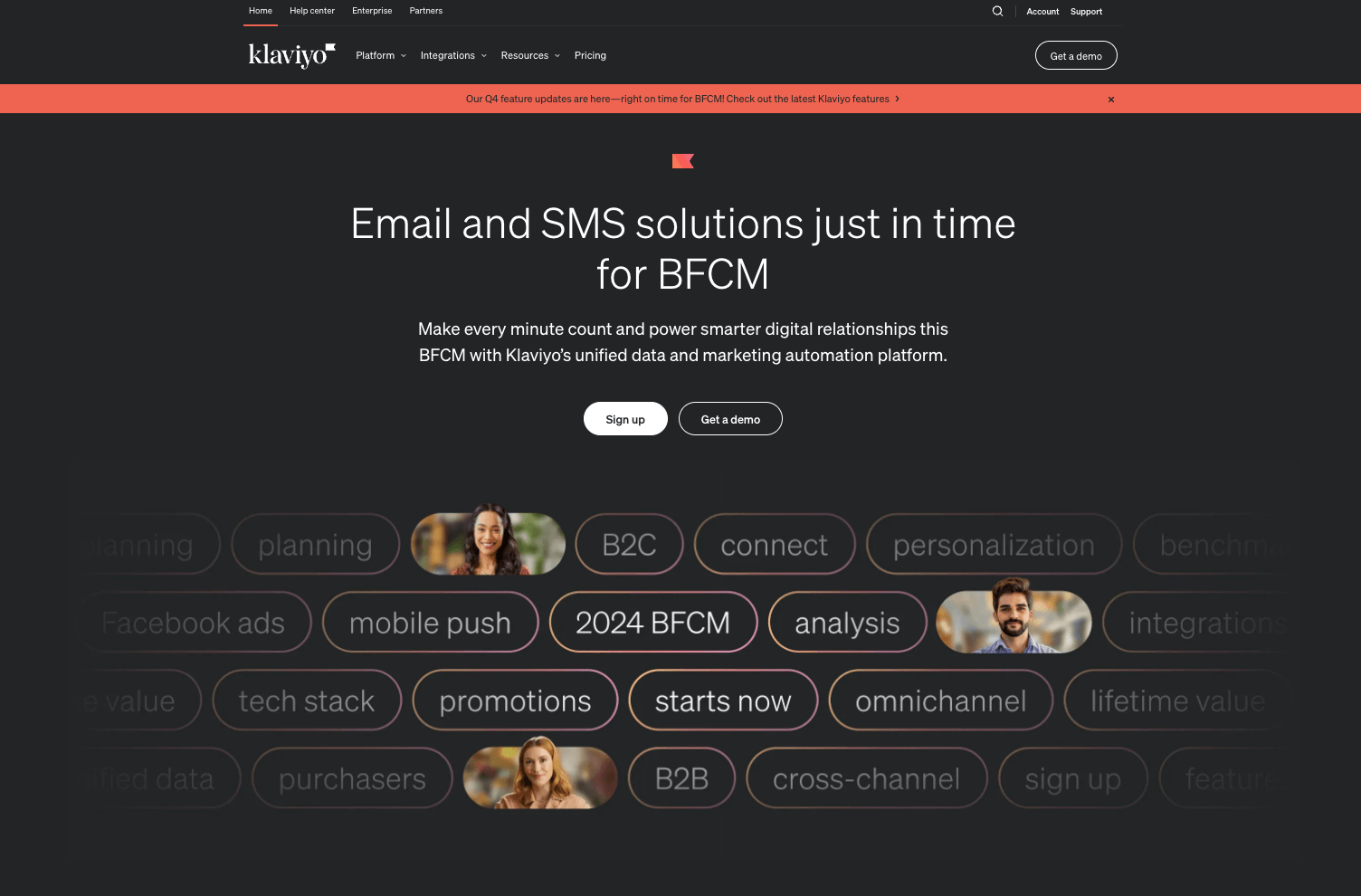
The Shopify integration sends Klaviyo the events flows are built on: Viewed Product and Added to Cart from the storefront tracking, Started Checkout, Placed Order, Fulfilled Order and Refunded Order from Shopify, plus customer profile data, tags and product catalogue. Confirm each event is arriving with real data before building; a flow triggered by an event nobody sends is the most common reason “Klaviyo does not work”. Set the profile properties you will filter on (first order date, total orders, product categories bought) and make sure consent is captured correctly for email and SMS in each market.
1. Welcome series
Trigger: subscribed to the newsletter list or signed up through a pop-up. Timing: first email immediately with the promised offer; second after two days with the brand story and best sellers; third after four to five days with social proof and a reminder of the offer’s expiry. Filters: skip anyone who placed an order since the trigger; end the flow on purchase. Measure: revenue per recipient and the share of subscribers who buy within 14 days. The welcome series is usually the highest-revenue flow per send because intent is at its peak.
2. Abandoned checkout and abandoned cart
Trigger: Started Checkout (checkout abandonment) and Added to Cart (cart abandonment) as two flows, because the intent and the available data differ; checkout abandoners gave you an email address, cart abandoners must already be known profiles. Timing: first message within an hour with the cart contents and a direct link back; second after a day answering objections (shipping, returns, sizing); third after two to three days with a modest incentive only if your margin allows and only for first-time buyers. Filters: exclude anyone who placed an order after the trigger; cap the incentive to once per profile in a period so regulars do not learn to abandon on purpose. Measure: recovered orders and recovered revenue. This flow pairs with the on-site fixes in the checkout optimization guide; email recovers what the storefront could not prevent.
3. Browse abandonment
Trigger: Viewed Product without Added to Cart within a window. Timing: one message a few hours later showing the product and related items; a second only for high-consideration products. Filters: require at least two product views or a view of a product above a price threshold, otherwise the flow fires on every casual visitor; exclude recent purchasers and anyone already in the cart flow. Measure: conversion per send; keep frequency low, since this flow annoys fastest when overused.
4. Post-purchase
Trigger: Placed Order. Timing: thank-you with what happens next (not the Shopify order confirmation, which is transactional and separate); a how-to-use or care message timed to arrive around delivery, using Fulfilled Order as a secondary trigger; a review request a week or two after delivery; a cross-sell of the natural companion product after that. Filters: split first-time and repeat buyers into different branches, since the message that welcomes a new customer reads oddly to a tenth-time buyer. Measure: review rate and second-order rate within 60 days.
5. Replenishment
Trigger: Placed Order containing a consumable, with a delay equal to the typical usage period of that product. Timing: one reminder shortly before the product would run out, one at the expected run-out, then stop. Filters: exclude subscribers to that product and anyone who reordered already. Measure: reorder rate. For brands with consumables this flow is often second only to the welcome series in revenue, and it is the one most stores never build; if the product suits subscriptions, the reminder can offer the subscription instead (see subscriptions).
If replenishment is a real subscription rather than a reminder, the events come from the subscription app, not from Shopify orders. Recharge pushes subscription created, upcoming charge, failed charge and cancellation events into Klaviyo as metrics, so each one becomes its own flow: an upcoming-charge reminder that lets the customer swap or skip instead of churning, a failed-payment sequence that runs alongside Recharge's own retries, and a cancellation winback keyed to the reason the customer gave. Keep these separate from the one-off replenishment flow, or a subscriber gets a "time to reorder" email three days after an automatic charge. We wire this up as part of Recharge subscription development, together with the Klaviyo setup covered here.
6. Winback
Trigger: no order for longer than your typical repurchase interval (for example, ninety days for a brand where most customers reorder within sixty). Timing: a first message with what is new since they last bought; a second with a stronger reason a week later; a third with an incentive for the truly lapsed. Filters: segment by past order value so the incentive scales with the customer; exclude anyone active in the last weeks. Measure: reactivation rate and the revenue per reactivated customer, tracked separately from the cost of the incentive.
7. VIP and loyalty
Trigger: a profile crossing a threshold of orders or lifetime value. Timing: a recognition message on crossing the threshold, then early access to launches and sales sent as segmented campaigns, not more automations. Filters: keep the segment small enough to mean something. Measure: repeat rate and average order value of the VIP segment against everyone else. This flow is as much about what you stop sending VIPs (discount-led abandonment offers) as what you send them.
Branching inside flows: the same trigger, different messages
A flow with one path treats a first-time visitor abandoning a $30 cart the same as a loyal customer abandoning a $400 order. Conditional splits fix that without more flows. The splits worth building first: first order versus repeat (welcome tone versus recognition, incentive versus none); cart value (a threshold above which a human follow-up or free shipping is worth it); product category (care instructions and cross-sells differ by category, and a category-specific message reads as personal rather than automated); market (currency, delivery promise, language and legal footer per Shopify Market); and consent channel (SMS branch only where SMS consent exists). Keep each branch to a few messages; the point of branching is relevance, not volume.
Copy and template rules for automated messages
- Subject lines name the trigger honestly: what was left, what arrived, what is running out. Curiosity subjects underperform in flows because the reader already knows why you wrote.
- One message, one action, one button above the fold on a phone.
- Dynamic product blocks pull from the event (the cart, the viewed product, the last order) so the message is about their item, not your catalogue.
- Plain-text-looking messages from a named person work well for the second abandoned-checkout email and for winback; brand-heavy templates work for welcome and launches. Templates themselves are covered in the email templates guide.
- Every flow message has an obvious unsubscribe and respects the preference centre; a flow that ignores a channel opt-out is a compliance problem, not a marketing one.
Timing, frequency and the rules between flows
Flows overlap. A shopper can be in welcome, browse abandonment and cart abandonment in the same afternoon. Use Klaviyo’s smart sending to cap how many messages a profile receives in a period, give cart and checkout flows priority over browse and welcome, and end a flow when its goal is met (purchase, subscription). Send in the recipient’s local time zone, respect quiet hours for SMS, and review every flow quarterly for messages that still refer to last year’s offer.
SMS and push in the same flows
Where you have consent, SMS belongs in the abandoned checkout flow (one short message) and in the VIP flow for early access; it does not belong in browse abandonment. Push, through Klaviyo’s mobile integration where you have an app, follows the same rules. The principle is that the more intrusive the channel, the higher the intent it requires.
What to measure, and what to ignore
Ignore open rates; privacy features inflate them. Track revenue per recipient, placed-order rate and unsubscribe rate per flow, plus the share of total store revenue attributed to flows, which for a mature Shopify store is a meaningful part of email revenue and is the number we report to clients. Attribute conservatively (a short click window) so the flows are credited for what they cause, not for what would have happened anyway.
Build order if you are starting now
- Abandoned checkout, because the intent and the data are already there.
- Welcome series, because it turns list growth into revenue immediately.
- Post-purchase, because it drives reviews and the second order.
- Browse abandonment, with strict filters.
- Replenishment, if you sell consumables.
- Winback and VIP once you have enough history to set the thresholds.
Six weeks of work for a store that has never built flows, in the order above, and a quarterly review after that. If you would rather have them built and measured by people who do it every week, our Klaviyo agency service starts with the event audit in the first section.